Word and PowerPoint template design +
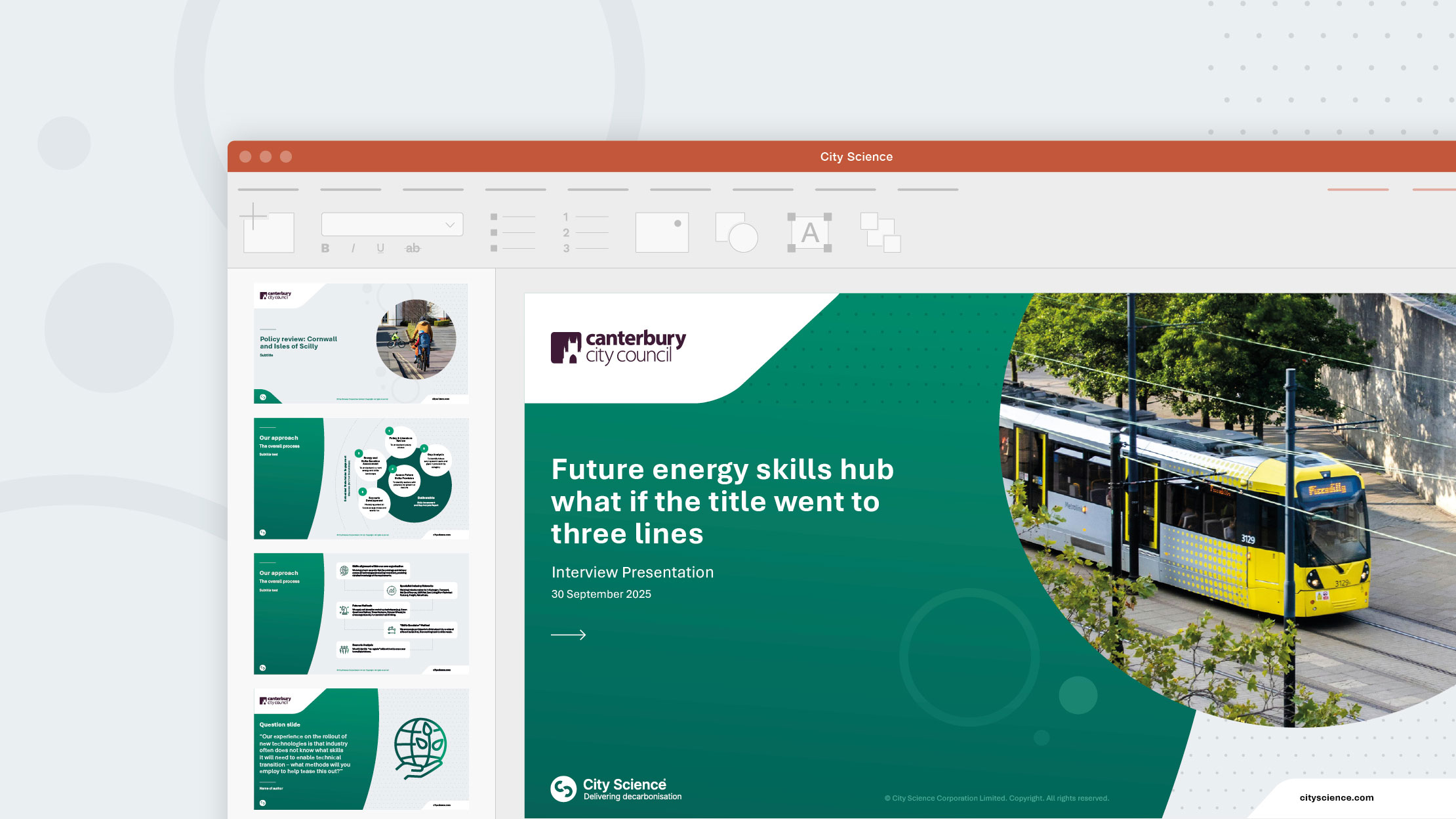
At Firefly, we specialise in designing and building professional Microsoft Word and PowerPoint templates that are reliable and fully functional. Our bespoke templates are tailored to align with your brand and operate seamlessly on both Windows and Mac systems.
Our templates empower everyone in your organisation to be able to create documents that are professional and cohesive, helping to ensure all communications are consistently branded.
Investing in custom templates can significantly save time and resources that would otherwise be spent on in-house document and presentation creation. Our clients consistently report streamlined processes and increased efficiency within their teams.


Types of templates
We specialise in creating Microsoft Office templates for both Word and PowerPoint on either Mac or Windows computers, including:
- Stationery templates – letterheads and continuation sheets, agendas, memos, notes and meeting minutes.
- Promotional and information templates – forms, fact sheets and newsletters.
- Report and proposal documents – front cover, header, page numbers, table of contents and main body text.
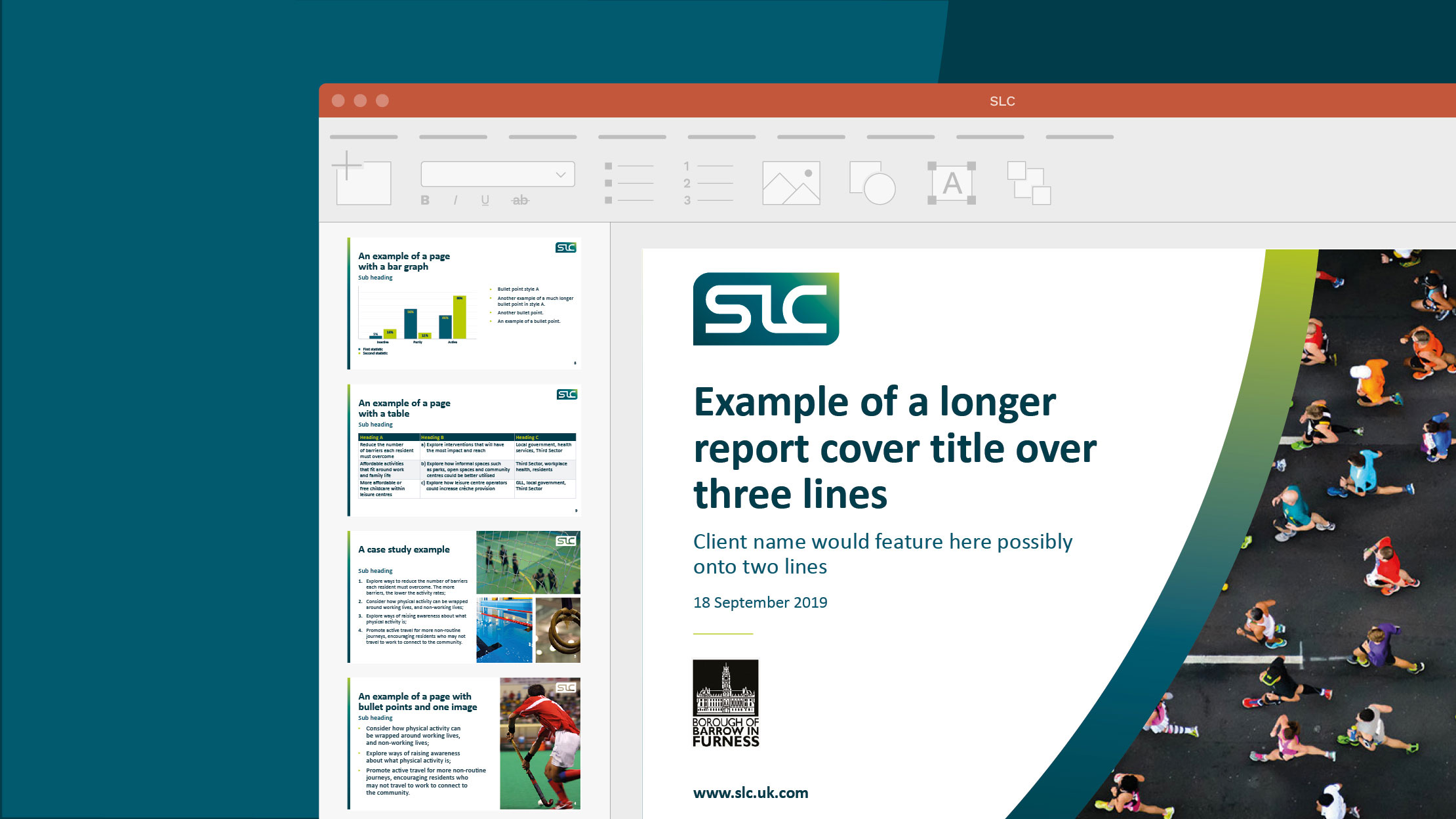
- PowerPoint templates – predefined title slides, dividers, custom layouts and table style.
- PowerPoint presentations including media rich content such as animation and video, designed to make an impact at an event or pitch.

Resource kits
Large quantities of text with no visuals can lead to your audience switching off whilst reading your content.
We can create tailored resource kits that add depth to your Microsoft Office templates, consisting of components such as icons, illustrations, infographics and diagrams.
These can be used to convey information in a succinct and engaging way, and break up text heavy documents and presentations. Whether you’re looking for illustrations that capture your audience’s attention, or diagrams and infographics that simplify your content, we can create a resource kit that supports your visual identity.

Graphs, charts and tables
We can transform even the most complex data from Microsoft Excel into graphs, charts and tables that align with your brand.
Visualising data in an innovative and dynamic way can help to break down key information and engage your audience.
These elements can be embedded into your template or supplied as final artwork files to ensure they are easily accessible should you require them at any time in the future.
Colour palette and type style
At Firefly, we believe attention to detail has the power to differentiate your brand.
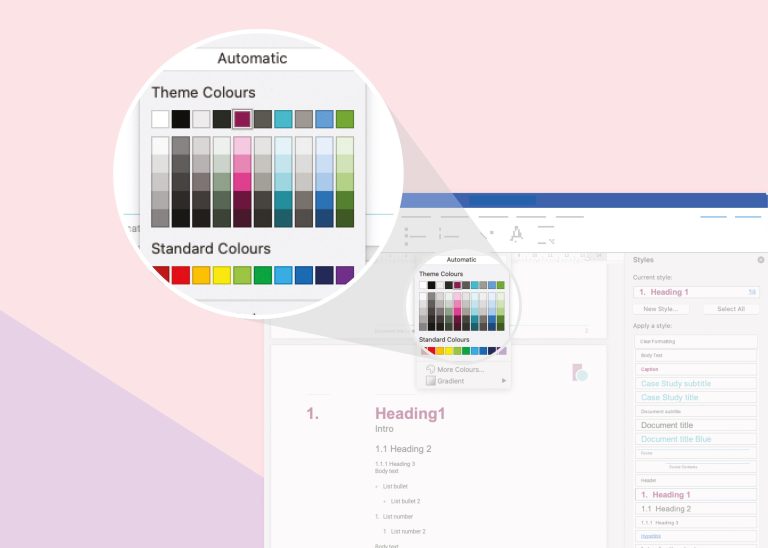
Our team can curate fixed colour palettes and type styles that align with your visual identity and roll these out across all templates. We also consider typographic hierarchy to highlight key messages and guide readers seamlessly through documents and presentations.
While using your brand’s primary font is optimal, practicality may dictate selecting a system font that closely resembles your brand for external document sharing. This ensures that your documents load correctly on any recipient’s computer, preventing formatting issues.

Editable infographics
Well-crafted infographics, whether static, interactive or animated, can express key messaging in an easily digestible and compelling way.
We understand that your requirements may evolve over time as you acquire new facts and statistics, which is why we design with flexibility in mind. We create eye catching infographics for Microsoft PowerPoint slides that can be customised to suit your needs, allowing you to edit colours, typography, text and numerical data in house.
User notes
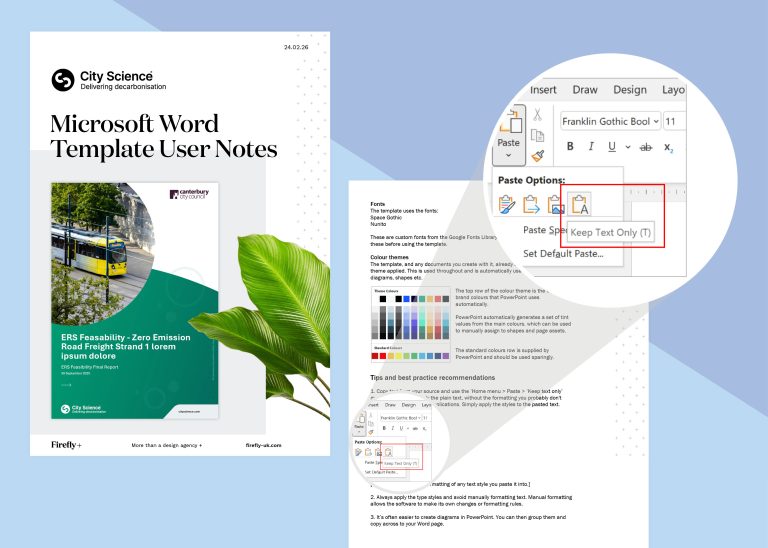
We always supply comprehensive user notes alongside our templates. These clear, step-by-step instructions guide you through the process of installing, accessing, and using your templates in day-to-day work.
The notes are designed to be practical and easy to follow, covering everything from getting started with the templates to understanding key features and recommended ways of working. This helps ensure your team can use the templates correctly and consistently across documents.
By providing clear guidance, we make the templates accessible to every member of your team, whether they have extensive experience working with Microsoft Office or are using structured templates for the first time.
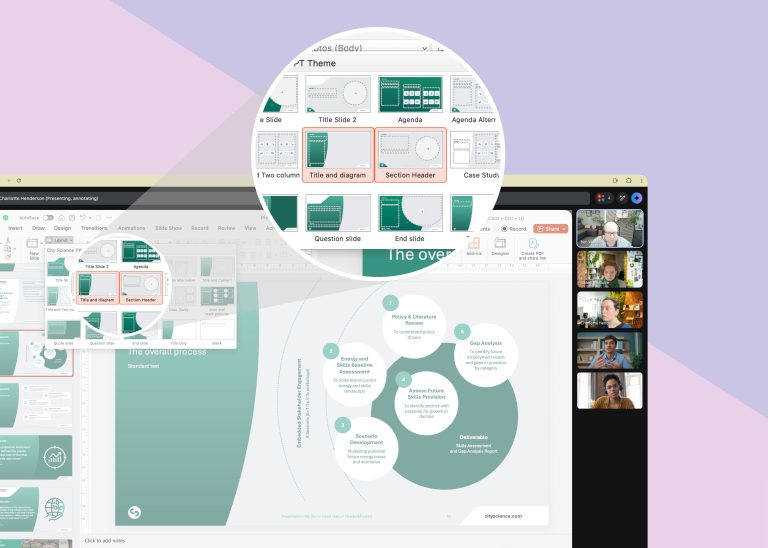
Training
We also offer 90-minute online training sessions to guide your team through the use of your Microsoft templates. From getting started with the templates and understanding how they are structured, to learning best practices for populating and editing documents, the session is designed to help your team use the templates confidently and consistently in their everyday work.
The training is delivered live online, allowing your team to follow along with practical demonstrations and real examples. You are free to ask questions throughout the session, and we also include dedicated time at the end for an open Q&A, ensuring any specific queries or scenarios can be addressed.

Contact us today to discuss how we can create Microsoft templates that save you time, and help you create consistent brand communication.
Discover more
Browse our portfolio for more examples of Word and PowerPoint template design


Related services +


Thank you
Success! We've received your message and will get back to you as soon as possible. We look forward to chatting to you.

“I really appreciate the work you put into our website and the end result looks marvellous. We are very happy with the whole package.”
Tom Watt
Owner
Sheridan Guest House